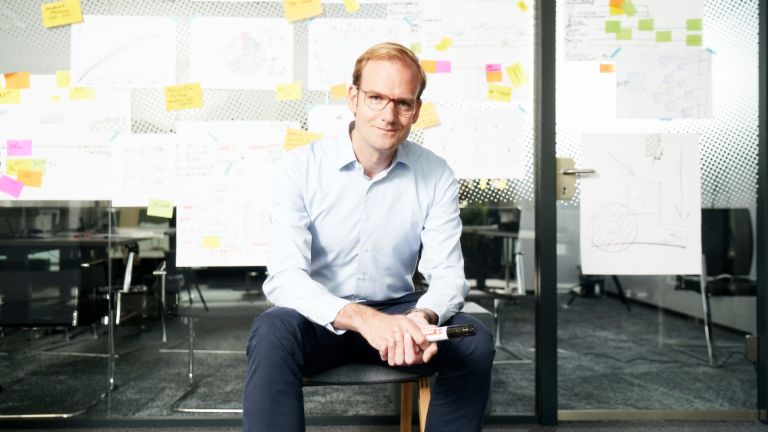
Fill in your introducing text for your content. It's recommended to use some
- bullet points
- to summarize the content
- and show that's worth consuming.
Text Area in Default content width
Subheadline of Text area
Dear Editor,
This is a sample article. It is intended to show you what elements are possible in magazine articles and what the characteristics are.
If you still have any questions, please contact your colleagues in the marketing team, who will be happy to help you.
The module is just a simple text area with no additional settings.
Text Area in Small content width, Background EOS Light Green
Subheadline of Text area
The text area is available in several versions. In this case, it is the narrow content width. Together with the light green background, this module version is suitable for info boxes, for example.
Lorem ipsum dolor. Lorem ipsum dolor. Lorem ipsum dolor. Lorem ipsum dolor. Lorem ipsum dolor. Lorem ipsum dolor. Lorem ipsum dolor. Lorem ipsum dolor. Lorem ipsum dolor.
Textblock Article, Text orientation left or right possible
Subheadline Textblock Article
Use the textblock article to link to additional information next to your text area, such as another magazine article or to your services etc.
Lorem ipsum dolor sit amnet. Lorem ipsum dolor sit amnet. Lorem ipsum dolor sit amnet. Lorem ipsum dolor sit amnet. Lorem ipsum dolor sit amnet. Lorem ipsum dolor sit amnet. Lorem ipsum dolor sit amnet. Lorem ipsum dolor sit amnet. Lorem ipsum dolor sit amnet. Lorem ipsum dolor sit amnet. Lorem ipsum dolor sit amnet. Lorem ipsum dolor sit amnet. Lorem ipsum dolor sit amnet. Lorem ipsum dolor sit amnet. Lorem ipsum dolor sit amnet. Lorem ipsum dolor sit amnet. Lorem ipsum dolor sit amnet. Lorem ipsum dolor sit amnet. Lorem ipsum dolor sit amnet. Lorem ipsum dolor sit amnet. Lorem ipsum dolor sit amnet. Lorem ipsum dolor sit amnet. Lorem ipsum dolor sit amnet. Lorem ipsum dolor sit amnet. Lorem ipsum dolor sit amnet. Lorem ipsum dolor sit amnet. Lorem ipsum dolor sit amnet. Lorem ipsum dolor sit amnet. Lorem ipsum dolor sit amnet. Lorem ipsum dolor sit amnet.
Donut Chart Headline
Use this additional text to provide more information about the Donut chart. You can position the text above or below the chart.
Subheadline of Donut Chart: Integrate a Donut chart to visually guide your reader. Colors can be customized using EOS hex color codes.olor codes (e.g. red (#EA0029), black (#31171F), green (#64AAB2).

Quote Headline

The module Quote is used to highlight individual statements made by experts. Ideally, a portrait image of the expert should be included.
Media Video Headline
Subheadline Media Video
The Media Video module is used to display videos. You must first add a video entry to the video application. To do this, you need a start image and a YouTube or Vimeo link.

Media Video Headline, EOS Light Green Background, Sideways Layout
The Media Video module is used to display videos. There are several versions, such as Sideways and with a light green background. You can see what you need to use the module in the “Media Video” section above.
Media Image Headline, EOS Light Green Background, Sideways Layout
Subheadline Media Image
The Media Image module is used to display images. There are several versions, such as Sideways and with a light green background. You can see what you need to use the module in the “Media Image” section above.
Media Gallery Headline, Background EOS Light Green (optional). Add as many images as you like to display a gallery. But please keep in mind that users usually do not click endlessly.
Media List Headline, The Media List module can be used to display more than 1 image below each other. Please check if the Gallery module is more suitable for displaying your images.
Media List Headline, Background EOS Light Green.
Contact Headline, use one or more local contacts for your country's language. To do this, you must first create them in the Contacts application.
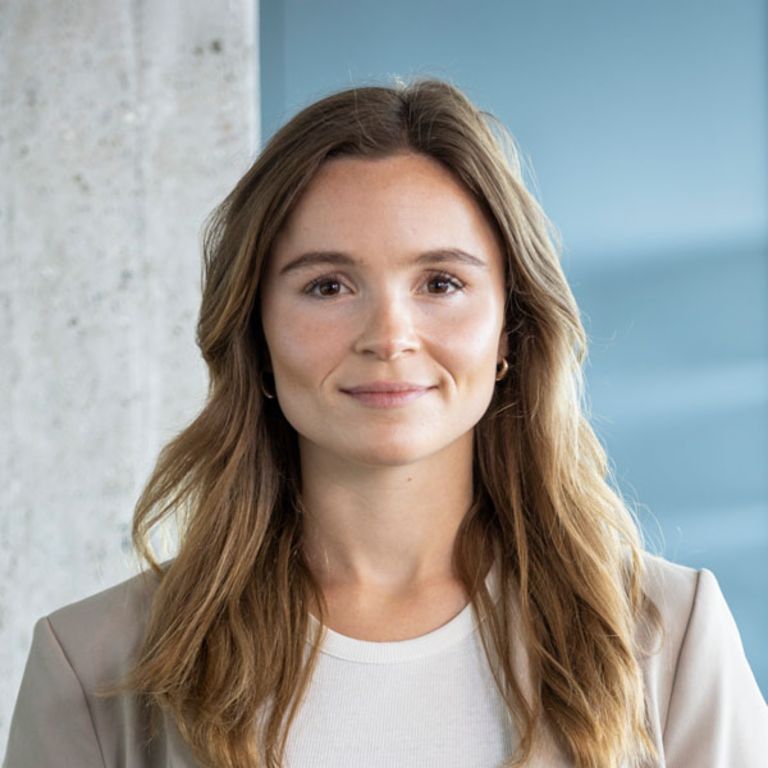
Carina Bonde
Corporate Communications & Marketing
Телефон: + 49 173 2979331

Sabrina Ebeling
Corporate Communications & Marketing
Телефон: +49 40 2850-1480
Истражете повеќе од EOS